
Rebuilding StockTouch inside a terminal emulator
Most financial market apps on the web suffer from the same fundamental flaw: they treat your screen like a billboard. Open any major stock tracker in a browser, and you are immediately hit with auto-playing video ads, subscription banners, flickering ticker tapes, and heavy JavaScript charts that chew through hundreds of megabytes of RAM just to show whether tech stocks are green or red today.
Back in 2011, an iPad app called StockTouch changed how people scanned financial markets. Instead of hiding stocks behind endless tables and search bars, StockTouch arranged companies into visual heatmaps grouped by market cap and sector. You could glance at a grid of colored tiles and instantly grasp market breadth. When the app faded into history, market tracking largely retreated back into bloated browser tabs or plain, line-by-line CLI text lists like ticker.
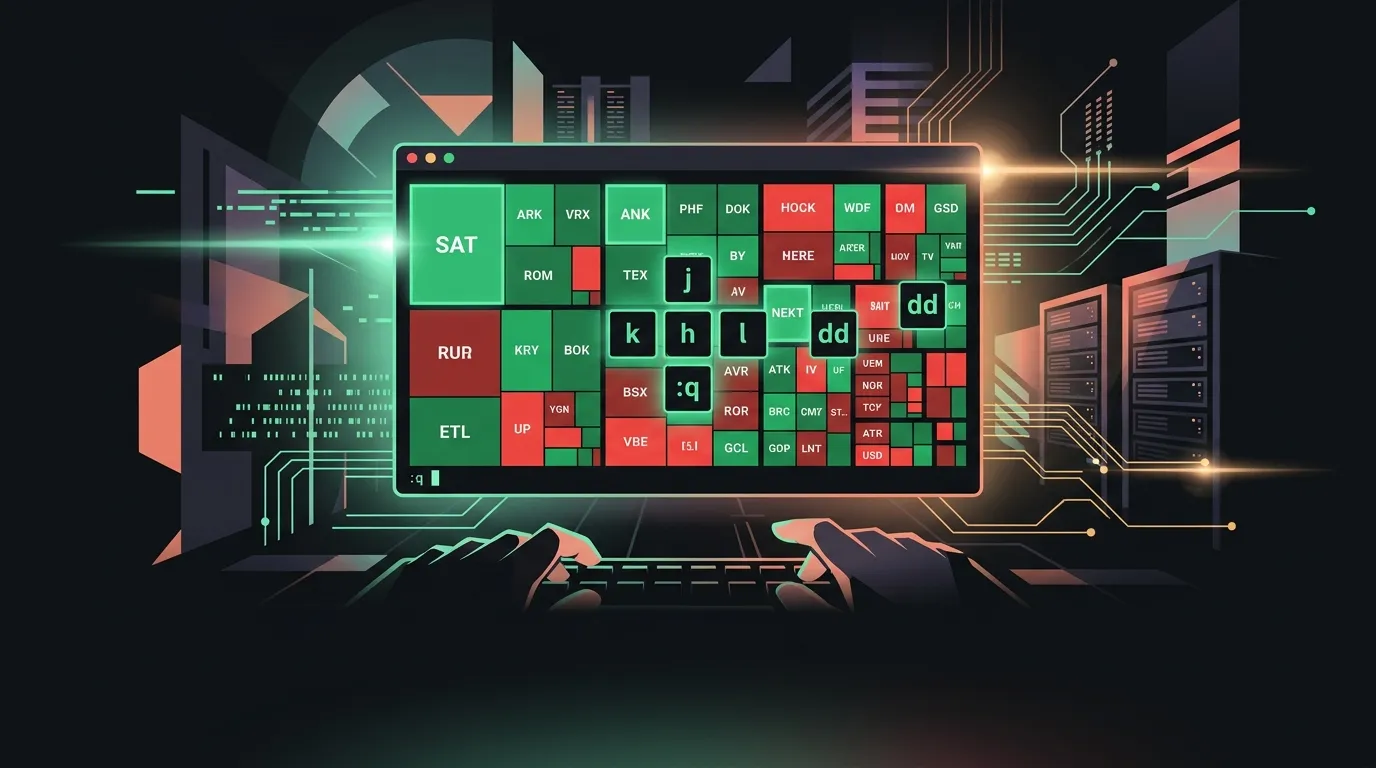
Open-source project stock-tui (built by the team at chatcode-lab) brings that visual heatmap philosophy directly into your terminal. Designed as an open-source homage to StockTouch, stock-tui replaces tabular terminal lists with color-coded tile grids, giving terminal-first developers a fast, keyboard-driven view of market movements without leaving their shell.
Color-coded heatmaps and Vim keys in a single window
The core appeal of stock-tui is how much signal it packs into terminal ANSI colors. Rather than forcing you to read lines of ticker numbers to figure out what is happening, stock-tui renders dense grids where tile colors reflect real-time price changes. A quick glance tells you if momentum is concentrated in semi-conductors or if energy stocks are dragging down the broader market.
Key features under the hood include:
- Real-time market quotes: Pulls live price updates, percentage swings, trading volume, daily high/low ranges, and total market capitalization.
- Sector heatmaps: Organizes equities into sector grids so you can track macro trends and relative performance across industries without context switching.
- Vim-style navigation: Full keyboard control using standard
h,j,k, andlmovement keys to navigate between tiles, inspect specific companies, and switch layout modes. - Detail drill-downs: Selecting an individual tile expands company metrics, historical ranges, and price performance directly inside the TUI viewport.
Because the interface relies on terminal tile layouts rather than mouse-driven drop-downs, keeping stock-tui open in a split tmux pane gives you continuous market awareness without taking your hands off the keyboard.
Lightweight binary, zero desktop dependencies
Many modern desktop utility apps ship inside Electron containers, bundling 150MB Chromium runtimes just to display basic data. stock-tui takes the opposite path: it is written in Go and compiles into a single, self-contained binary.
That architectural choice makes a huge difference for daily CLI tools:
- Minimal footprint: Memory consumption sits at a fraction of what a browser tab demands, allowing you to leave it running on low-resource machines or SSH sessions.
- Cross-platform support: Pre-built binaries run natively on Linux, macOS, and Windows without needing third-party GUI frameworks or runtime engines.
- Zero-config startup: Launching the app takes a single command in your terminal, making it easy to drop into startup scripts or window manager shortcuts.
For anyone who spends the workday in nvim, tmux, or a tiling window manager, stock-tui fits into existing workspace flows without feeling like an alien desktop widget.
Where terminal market tracking runs into limits
While stock-tui is an impressive addition to the terminal landscape, terminal heatmaps come with practical tradeoffs you should consider before replacing your existing tools:
- Read-only monitoring:
stock-tuiis strictly a market viewer. It does not integrate with brokerage APIs for order placement, portfolio trading, or alert triggers. - Terminal color palette reliance: Because heatmaps rely heavily on green and red contrast, your terminal emulator’s color scheme directly impacts readability. If your theme uses muted or low-contrast tones, tiles can blend together.
- Market data source dependencies: Like any CLI market tool, live quote accuracy and refresh rates depend on free external market APIs, which can occasionally hit rate limits during heavy market volatility.
If you need advanced technical charting, order execution, or multi-monitor candlestick displays, a dedicated trading workstation platform remains necessary. But for casual market monitoring during the workday, those limitations are easy to accept.
The verdict
stock-tui succeeds because it understands what made StockTouch great over a decade ago: visual market density beats long text lists. By translating that visual grid model into a fast Go binary with Vim movement keys, chatcode-lab has built a clean alternative to noisy web finance portals.
If you want to keep an eye on market movements while staying inside your terminal session, stock-tui is worth adding to your CLI toolkit.
Sources
- GitHub Repository: chatcode-lab/stock-tui
- Hacker News Launch: Show HN Discussion