Microsoft Forced LG to Stop Pushing McAfee Ads, But Windows Update Still Has a Bloatware Problem

How a display plug-in turned into a startup ad machine
Plugging a monitor into a computer used to be a simple physical operation: run a DisplayPort cable, select a refresh rate, and move on with your day. On modern Windows 11, plugging in an LG monitor triggers an automated software pipeline behind the scenes. Without prompting for confirmation, Windows Update fetches a background utility called the LG Monitor App Installer and places it onto the system.
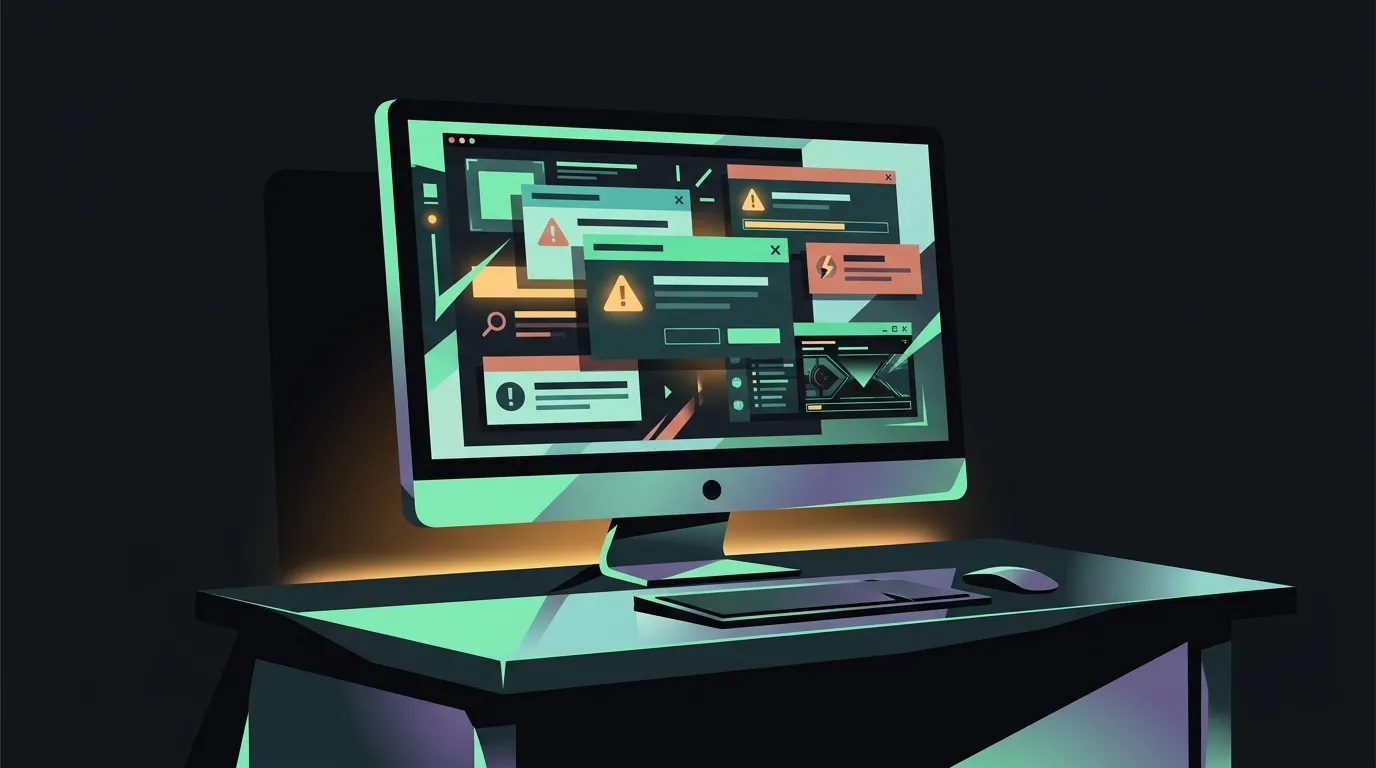
Users expected the utility to handle basic display parameters like OnScreen Control or color profile sync. Following a recent background update to the installer, desktop users started noticing something far more intrusive: recurring pop-up windows soliciting a 30-day trial for McAfee antivirus every time Windows booted up.
The reaction was immediate and hostile. Users who bought premium gaming displays were suddenly greeted by classic third-party nagware on clean Windows installs, despite never downloading an LG installer or consenting to antivirus promotional software. When an OEM utility shipped via OS update channels starts acting like adware, the problem isn’t just aggressive partner marketing; it is a breakdown in how operating systems manage hardware permissions.
31 boots out of 32: Gamers Nexus and public backlash
Complaints first began circulating on Reddit and X as users posted screenshots of McAfee prompts appearing over their desktops. Tech hardware outlet Gamers Nexus published a video investigating the issue on an LG UltraGear gaming monitor. In their testing, the McAfee pop-up appeared on 31 out of 32 consecutive system reboots.
The frequency of the prompt destroyed any defense that this was a minor one-time notification. LG responded to the initial backlash by clarifying that McAfee software was never installed silently onto user drives without an explicit click. Technically, that was true: clicking the pop-up initiated the trial download, while closing it left the main security software uninstalled.
Critics and users pointed out that LG missed the point entirely. The primary grievance was not that McAfee installed itself silently, but that the LG Monitor App Installer itself arrived silently via Windows Update, ran with high-level system privileges, and repeatedly badgered users with affiliate prompts. The monitor app was functioning as a persistent ad delivery mechanism operating under the umbrella of official hardware updates.
Microsoft steps in after executive tags on X
As public frustration peaked, high-profile tech figures escalated the issue directly to Microsoft leadership. Epic Games CEO Tim Sweeney posted publicly on X, calling out the behavior and tagging Microsoft’s executive leadership, including Pavan Davuluri, Executive Vice President of Windows and Devices.
The public escalation got results. Davuluri confirmed that Microsoft reached out directly to LG regarding the invasive installer behavior. Following the inquiry, LG agreed to immediately disable the McAfee pop-up prompts across its companion installer software updates.
In a statement, Microsoft reiterated that Windows 11 system services and official driver delivery channels should not be abused for third-party promotional ads. Getting LG to pull the ad code was a necessary emergency fix, but it addressed a symptom rather than the underlying mechanism that allowed it to happen.
The Hardware Support App framework is the real vulnerability
The core issue isn’t just one rogue LG developer team; it is the design of Microsoft’s Hardware Support App (HSA) architecture. Under the HSA framework, when Windows detects a supported hardware ID (like a monitor, mouse, keyboard, or motherboard), Windows Update automatically pairs the device driver with a companion app from the Microsoft Store.
The original intent behind HSA was reasonable: save users from hunting down proprietary OEM utility drivers for sound cards, display controls, or laptop hotkeys. The fatal flaw is consent. Windows Update installs these companion apps silently in the background without asking the user if they want the vendor’s software suite.
Because these companion apps are published by major hardware partners (including LG, Asus, Razer, HP, and Logitech), they enjoy trusted delivery pipelines directly onto user machines. If a vendor decides to bundle third-party promotions, telemetry modules, or trialware into a routine app update, Windows Update delivers it directly past the user’s defenses. Forcing LG to remove one McAfee ad leaves the door wide open for every other hardware partner using the exact same framework.
What Windows users can actually do about silent peripheral apps
Until Microsoft changes how Windows Update handles Hardware Support Apps, users have to audit their own systems to keep peripheral vendors from turning clean desktops into ad boards.
If you connect new monitors, gaming mice, or motherboards to a Windows 11 machine, take these practical steps to contain OEM software creep:
- Audit Installed Apps: Open Settings, navigate to Apps > Installed Apps, and search for vendor installers like LG Monitor App Installer, Asus Armoury Crate, or Razer Synapse. Uninstall any companion utility you didn’t explicitly seek out.
- Disable Automatic App Updates in Microsoft Store: Open the Microsoft Store, click your profile icon, go to Settings, and toggle off App updates. This prevents silent background updates from turning quiet hardware helpers into aggressive promotional platforms.
- Restrict Device Driver Software Installation: On Windows Pro or Enterprise editions, use Group Policy (
gpedit.msc) under Computer Configuration > Administrative Templates > Windows Components > Windows Update to prevent Windows Update from automatically downloading vendor-specific companion applications alongside basic device drivers. - Prefer Generic or Bare Drivers: For displays and basic peripherals, standard Windows display drivers or bare INF files are almost always sufficient. You do not need a vendor’s background service running on startup just to change a monitor’s brightness or color profile.
Until operating system vendors treat automatic hardware software delivery with the same security boundaries as web downloads, hardware companion apps will remain a target for intrusive partner monetization. Keeping your startup items minimal is still the best defense.
Sources
- Slashdot: Microsoft Responds to LG Monitors Installing McAfee Ads On Windows
- Windows Latest: Microsoft is cracking down on Windows 11 bloatware ads, forces LG to pull McAfee popup
- TechRepublic: Microsoft Intervenes After LG Monitor App Shows McAfee Ads in Windows
- Times of India: Microsoft responds to customer complaints, tells LG: Remove