
The corporate playlist hangover
We have been trained to think that the ultimate music listening experience is an isolated shuffle queue. You open Spotify or Apple Music, put on your noise-canceling headphones, and mash the skip button until the algorithm hands you something that matches your current brain chemistry. If you want to share music with friends, you send them a link to a playlist, which they will probably ignore.
But music wasn’t always a solitary bubble. It used to be a shared experience, broadcast over the airwaves where everyone listening heard the exact same song, the same transition, and the same local news at the exact same second. If you want to replicate that in the homelab, your options have usually been limited to setting up complex, brittle Icecast scripts or running a standard media server like Plex or Navidrome that still relies on individual shuffle queues.
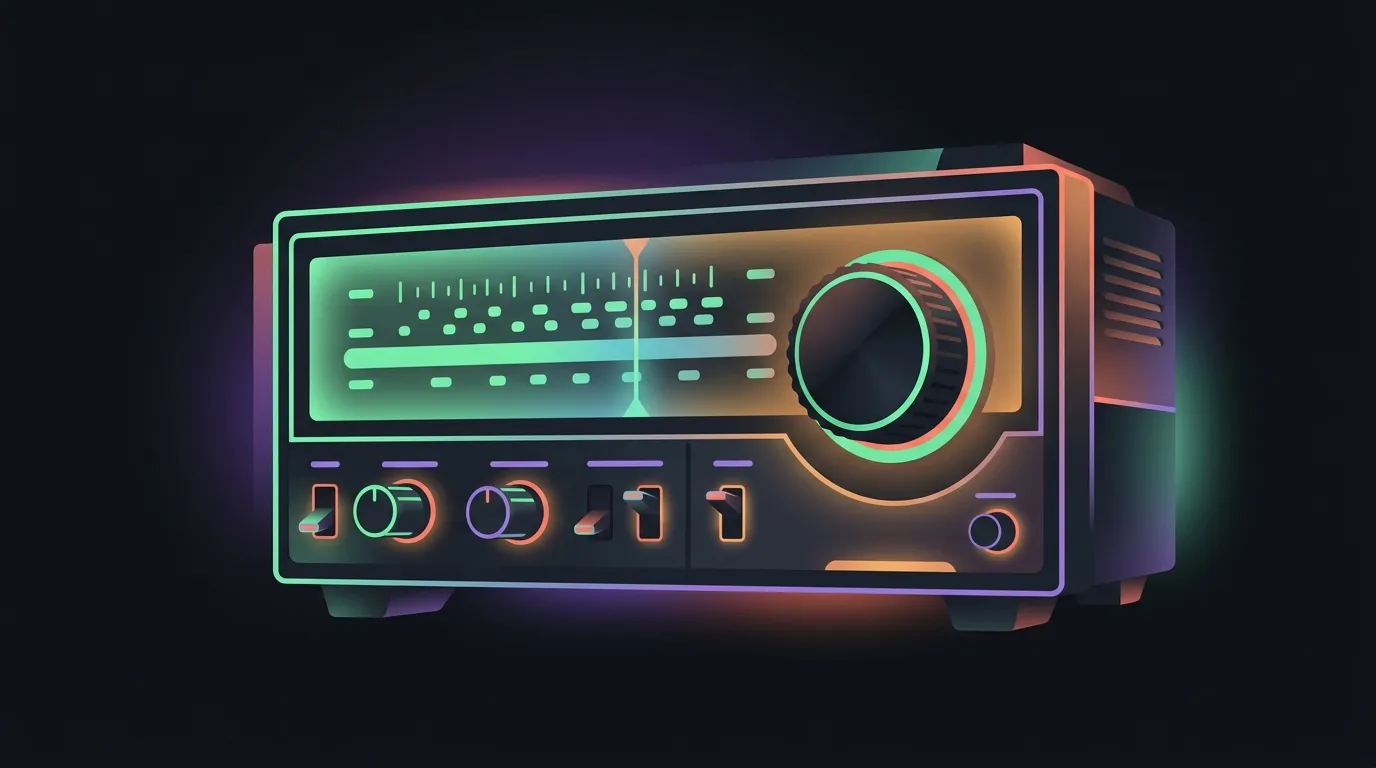
A new open-source project called SUB/WAVE wants to bring back the traditional radio experience, but with a modern, self-hosted twist: it plugs into your existing music collection and hires an agentic AI DJ to run the station 24/7.
What is SUB/WAVE?
At its core, SUB/WAVE is a self-hosted radio station that you can run on your own home server. Instead of building custom playlists for every user, it outputs a single, unified audio stream using Icecast. When you share the link with your family or friends, everyone hears the exact same track, transition, and DJ banter in real time. It is a shared listening environment, not an isolated web interface.
Instead of generating generic AI audio or relying on commercial catalogs, SUB/WAVE is built to run on your own music collection. It connects to self-hosted music servers like Navidrome or any server that implements the Subsonic API. Your tracks stay local, and you don’t need to pay for licensing fees or subscriptions to stream what you already own.
To make the station feel alive, the project embeds an agentic AI DJ. This isn’t just a simple random shuffle script. The DJ functions as an autonomous host that handles track curation, writes and reads transitions, and even takes plain-text requests from your listeners. The stream automatically handles the audio engineering work: it crossfades tracks and ducks the music volume whenever the DJ speaks.
How it works: Icecast meets Subsonic
The engineering behind SUB/WAVE is a clever bridge between retro broadcast tech and modern API-driven media management. Instead of indexing files directly, the service communicates with your music library via the Subsonic API. Navidrome or another compatible media server handles the storage and basic streaming, while SUB/WAVE manages the queue and coordinates the actual broadcast.
Under the hood, a local analyzer scans your library. It doesn’t just read basic tags like artist and genre. It calculates BPM, detects key signatures, measures energy levels, and creates sonic similarity vectors (embeddings). When the system builds a transition, it uses this data-art map to select tracks that blend smoothly together, avoiding jarring mood shifts. You can visualize this entire map via the Library Observatory (accessible at /observatory), a built-in interactive dashboard that plots your library’s tracks based on genre clusters and energy vectors.
For the audio distribution, the station outputs to a local or remote Icecast server. It supports multiple formats out of the box, including MP3 (essential for legacy hardware radios and smart speakers like Sonos), Opus, AAC, and even lossless FLAC. The client web player detects what the receiver supports and picks the best match. Meanwhile, the stream automatically reports play history back to Last.fm and ListenBrainz so you don’t lose your scrobbling stats.
The agentic DJ in the homelab
The most unique feature of SUB/WAVE is its agentic AI DJ. Rather than relying on a static schedule, the DJ acts as an active supervisor. You can configure up to 24 different DJ personas in your roster, complete with guest co-hosts who trade banter. The DJ runs on a 24/7 grid, adjusting the mood of the station depending on the time of day, current weather, and even seasonal holidays.
The intelligence driving the DJ is highly flexible. For reasoning and scriptwriting, SUB/WAVE supports cloud APIs like OpenAI, Anthropic, DeepSeek, and OpenRouter, but it is built to operate 100% locally. You can plug it into a local Ollama instance and use local text-to-speech engines like Piper or Kokoro. If you use cloud models, you can set a daily token budget cap in the admin dashboard: if you hit your limit, the DJ goes silent but the music keeps playing.
Between tracks, the DJ writes and speaks custom segments. It reads station idents, announces time checks, pulls local weather forecasts, and gives a brief intro for the incoming track. These talking segments are completely modular. You can define what the DJ talks about by customizing SKILL.md files in your station’s directory. For example, you can point the DJ to your personal RSS feed to read tech news, pull local events, or fetch traffic alerts, editing the files directly from the built-in admin editor.
Finally, the station is interactive. Listeners can submit plain-text requests through the web UI, asking for “something upbeat from the 90s” or “a chill synthwave track.” The DJ parses the request, scans your library’s embeddings, and slots a matching track into the queue. If you want to connect external tools, SUB/WAVE runs an MCP server that lets agentic assistants like Cursor or Claude Desktop search your music library and queue tracks programmatically.
Where the stream gets choppy
No self-hosted service is without its rough edges, and SUB/WAVE is no exception. Before you jump in, you need to understand the infrastructure and management costs of running a local broadcast station.
First, the system is only as good as your music library’s metadata. If your tags are missing, incomplete, or corrupted, the sonic similarity vectors and automated curation will fail. The DJ needs clean metadata to match BPMs and choose appropriate transitions. You will need to spend some quality time cleaning up your Navidrome database before the AI DJ can draft a cohesive show.
Second, running a fully local stack is resource-heavy. While you can offload the reasoning to OpenAI or Anthropic and the text-to-speech to ElevenLabs, doing so means paying continuous API bills. If you want to host everything offline, you will need a dedicated GPU in your home server to handle Ollama reasoning and Kokoro or Piper voice generation in real time. If your server is running on a low-powered Raspberry Pi, the delay between tracks while the local LLM drafts its transition scripts can make the broadcast feel sluggish.
Finally, the radio philosophy is a hard rule: there are no skip buttons or personal pause states. If a song comes on that you hate, you cannot skip it without logging into the admin console and manually altering the queue. Everyone listening is locked to the same live stream. If your family members expect the instant gratification of standard streaming playlists, SUB/WAVE will lead to mutiny.
Who should build a station
SUB/WAVE isn’t a replacement for Navidrome or Plexamp when you want to queue up a specific album on your commute. It is a broadcast tool designed for co-listening.
You should spin up a SUB/WAVE instance if:
- You want a shared household soundtrack. If you have smart speakers scattered across your home and want a single, synced station playing in the kitchen and the living room with local weather and time updates, this is the cleanest way to do it.
- You run a community or office stream. The interactive request queue and plain-language NLP parsing make it easy for friends or coworkers to queue up music without needing direct access to your Subsonic server’s admin panel.
- You want to show off your homelab. Running a fully local, agentic AI DJ on your own hardware using Ollama and Kokoro is an deeply satisfying weekend project.
You should skip SUB/WAVE if:
- You want individual control. If you need to skip tracks, fast-forward, or curate your own temporary queues, standard Subsonic clients like Plexamp or Symfonium are what you actually want.
- You want low-maintenance hosting. If you don’t want to deal with Docker profiles, Icecast mounting, and GPU hardware acceleration setups, running a local voice-synthesis stack will be more headache than it’s worth.