
Who this is for
You are looking at your growing pile of digital photos and realizing that your current setup is either too expensive or too fragile. You want to get off the cloud subscription treadmill, but when you search for open-source photo managers, you are immediately hit with two completely different recommendations: Immich and digiKam.
They both have “photos” in their description, but they are built for entirely different jobs.
If you try to use digiKam to automatically back up your phone’s camera roll while you are away from home, you will fail. If you try to use Immich to organize a 100,000-image RAW library with complex sidecar metadata and non-destructive desktop color grading, you will also fail.
This is not a traditional feature showdown. It is a guide to choosing the right tool for your specific workflow, or, if you are like me, learning how to make them work together without corrupting your files.
At a glance
| Immich | digiKam | Plex Photos | |
|---|---|---|---|
| Best for | Household mobile backup | Desktop RAW cataloging | Viewing existing media |
| Price shape | Free software; pay for server hardware | Free software; runs on your existing desktop | Free app; requires Plex Pass subscription for server features |
| Killer feature | Mobile auto-upload and face search | Heavy-duty metadata and RAW editing | Casting to TV and media library integration |
| Dealbreaker | You must maintain server uptime and updates | No mobile app or automated sync | Practically abandoned; no upload or editing features |
Option A: Immich
Immich is an open-source, self-hosted photo backup system designed to look, feel, and act like Google Photos. It is a client-server application, meaning you run the Immich server on your own hardware (like a NAS, a mini PC, or a home server) and connect to it using web browsers or the dedicated iOS and Android mobile apps.
The primary job of Immich is to get the photos off your phone and onto your hard drives. The mobile app runs in the background, detects new photos on your camera roll, and uploads them to your server automatically. Once uploaded, Immich uses machine learning models to detect faces, group them, and make your library searchable by objects and locations.
- Best for: Households that want a central, automated vault for mobile camera rolls with a modern, Google-like web interface.
- The tradeoff: It is a fast-moving, complex server application. You are responsible for setting up Docker, securing your connection with SSL, and managing database backups.
- The dealbreaker: If you are not willing to log in and update your server containers every month, Immich will eventually break. It is actively developed, and backward-compatible database changes are common.
If you want to understand how to set up and maintain this system over the long haul, check out our Deep dive: Immich for phone photo backup. If you are still deciding whether to leave the cloud entirely, read our head-to-head on Immich vs Google Photos.
Option B: digiKam
digiKam is a professional, open-source desktop Digital Asset Management (DAM) application. Unlike Immich, it is not a server that runs in the background of your home network. It is a heavy-duty desktop program that you install on your Windows, macOS, or Linux computer. It is designed for photographers, archivers, and power users who want absolute, offline control over their photo libraries.
digiKam excels at cataloging massive collections of images, including RAW files from professional cameras. It writes metadata directly to your files or to sidecar files (using industry-standard XMP tags), meaning your organization (tags, ratings, captions) is not locked into a specific database. It also includes powerful search tools, duplicate detection, face recognition, and built-in non-destructive editing tools.
- Best for: Photographers and power users who want to organize, tag, and edit a massive local or network-attached library of RAW and JPEG images.
- The tradeoff: It has no built-in mobile app, no automatic cloud syncing, and a steep learning curve. The interface looks like a professional database, not a sleek consumer app.
- The dealbreaker: If you want a simple way to share albums with non-technical family members or browse your photos on your phone while away from home, digiKam is the wrong tool. It is a local desktop application, not a cloud replacement.
The Plex Photos detour
When researching self-hosted photo options, you will likely run into discussions comparing Immich to Plex Photos.
Plex launched a standalone Plex Photos app in late 2024 to replace the clunky photo viewing features they stripped out of the main Plex application. It sounded promising: view your photos on your home server, cast them to your TV, and leverage your existing Plex Pass subscription.
But there is a major catch. The Plex Photos app has been practically abandoned. It has not received a meaningful update since mid-2025, and community forums are flooded with users complaining about bugs, missing basic features (like being unable to delete a photo from the app), and a general lack of development.
If you want an actively maintained, modern photo backup and viewing app, skip Plex Photos entirely. Plex is excellent for movies and music, but photos are a low priority for their engineering team. Immich is the superior choice for a server-based photo vault.
Verdict by scenario
- Choose Immich if you want an automated, hands-off backup for your household’s mobile phone rolls. If you want a Google Photos experience where photos from your pocket automatically sync to your own hardware, Immich is the clear pick.
- Choose digiKam if you are a photographer managing a large library of local RAW files. If you need professional metadata tagging, offline-first control, and non-destructive desktop editing, digiKam is the only tool for the job.
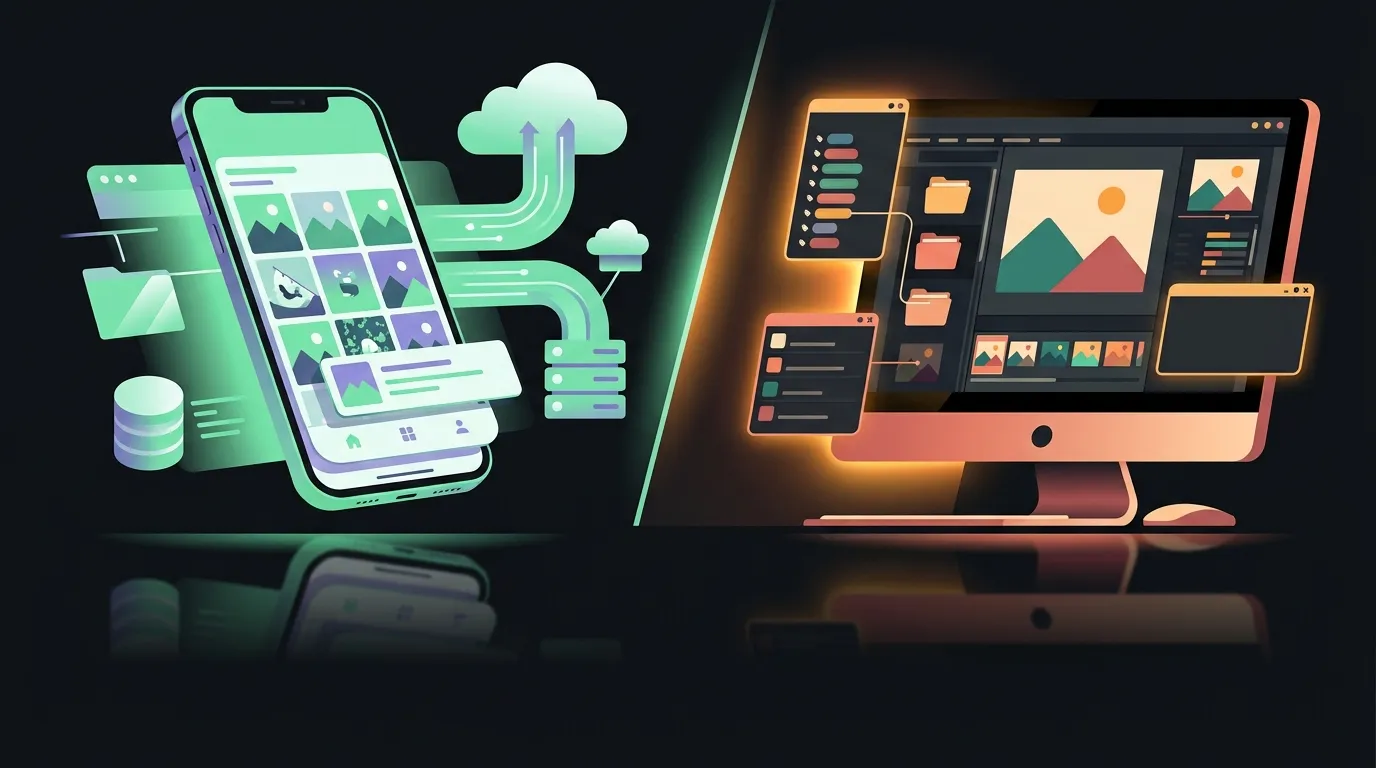
- Choose both if you want the ultimate self-hosted setup. You can use digiKam on your desktop to curate, tag, and edit your high-quality RAW files, and then import the exported JPEGs into Immich so you and your family can browse them on your phones. Just make sure to point Immich at your exported folder as an external library so it does not touch your raw files.
Bottom line
At the end of the day, Immich and digiKam are not competitors. They are partners. Immich is your mobile backup appliance; digiKam is your desktop digital asset manager.
Both tools are completely free and open-source, meaning you will not pay a dime in software licensing. But they both demand different forms of currency: Immich asks for ongoing server maintenance and Docker upkeep, while digiKam asks for your time to learn its deep, database-heavy interface.
My recommendation? Start with digiKam if you have a legacy folder of photos on an external hard drive that needs sorting. Start with Immich if your phone’s storage is full and you are tired of paying Google or Apple for cloud space. If you have both problems, run both.