
The short version
If you have a filing cabinet stuffed with tax forms, medical records, and appliance manuals, Paperless-ngx is the answer. It is a self-hosted document management engine that takes your scans, extracts the text using optical character recognition, and catalogs everything into a searchable web panel.
You run it locally via Docker, meaning your sensitive financial documents do not live in someone else’s public cloud database. Setup takes a couple of hours and requires basic configuration familiarity, but it is one of the most useful containers you can host. If a local server replaces a monthly cloud subscription, that is a good afternoon.
What it is
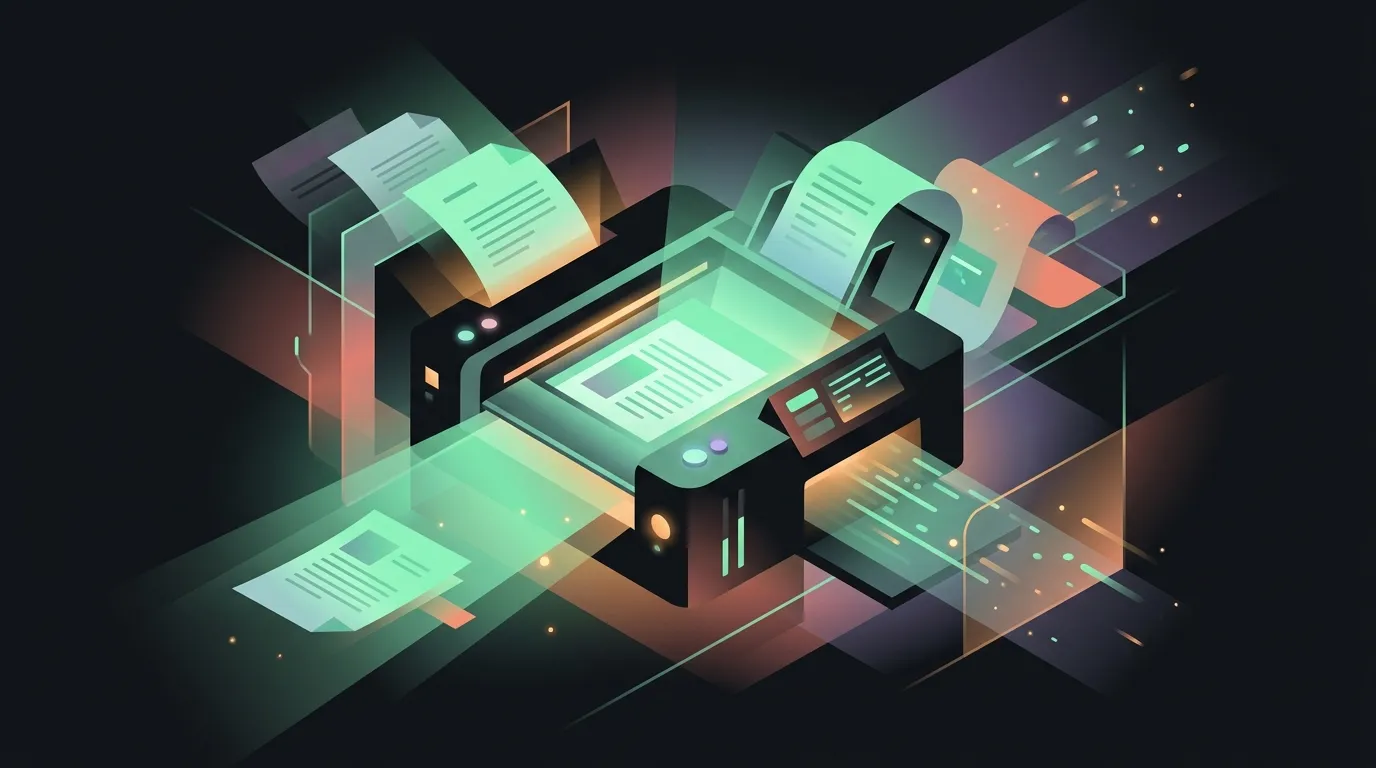
Paperless-ngx is an open-source document archiver. It is a backend indexer that watches a target folder on your storage drive. When you drop a PDF or an image file into that directory, the engine pulls it, runs Tesseract OCR to extract every written word, stores the original file, and creates a search-indexed copy.
You access the system through a responsive web interface. Because the files are stored as standard PDFs on your disk, you are never locked into a proprietary database layout. If the software container crashes, your files are still readable in standard directories.
Core workflow
The document pipeline runs automatically once configured. A typical day-one ingestion workflow follows four basic stages:
- The scan: You scan a physical document using a phone app or a sheet-fed scanner. The scanner is set to send the file directly to a shared folder on your server via network storage (SMB or SFTP).
- The watch directory: The Paperless container watches this ingestion folder. The moment a new file lands, the watch task claims it and starts processing.
- The OCR engine: The system runs the PDF through Tesseract OCR. It extracts all visible text, embeds it into the document container, and saves the searchable output.
- Machine learning matching: The classifier reads the text, compares it against your existing database, and automatically applies tags (like
receiptortax), assigns the correspondent (likeComcast), and moves the document to your final archive folder.
Once a document is inside the system, finding it is immediate. You log in to the web console, type a partial word (like “dishwasher model”), and the search engine serves the correct document with the keyword highlighted in the PDF viewer.
Strengths
- Complete data sovereignty. Your financial records, ID scans, and tax history stay on your own hardware behind your firewall. You do not have to trust a commercial cloud vendor to keep your personal data secure.
- Intelligent auto-tagging. The built-in matching algorithm learns from your tagging habits. After you classify a dozen documents, it starts applying correct tags and correspondents to new files automatically.
- No database lock-in. The original files are kept in a standard folder structure on your drive. If the container crashes, or if you decide to stop using Paperless, you can walk away with all your folders and files intact.
Weaknesses
- Docker configuration overhead. Setting up the docker-compose file, folder permissions, and database parameters takes time. If it needs a wiki to start, say so. You will spend a couple of hours troubleshooting container paths before it works cleanly.
- System resource demands. Running OCR on multi-page files requires significant CPU compute. If you host this on a low-power single-board computer, bulk imports will peg your processor and feel sluggish.
- Scanner hardware dependencies. To make a paperless office work, you need a scanner that supports automated document feeding. If you have to scan pages manually on a flatbed, you will give up within a week.
Pricing shape
Paperless-ngx is completely free and open-source. There are no licensing fees, paid subscriptions, or premium features locked behind enterprise paywalls. Your only costs are the hardware to run it (like a local server or a cheap VPS) and the storage space for your documents.
Who it’s for / not for
This tool is for homelab enthusiasts and self-hosters who are willing to spend an afternoon setting up a Docker stack and configuring directory sharing. You are the on-call team now, so if a volume mount breaks, you have to debug it.
It is not for anyone who expects a zero-effort setup or refuses to build a scanner habit. If you do not actively digitize your mail and bills, your document portal will remain empty, making the setup a waste of time.
Alternatives
- Nextcloud: A complete, self-hosted cloud office suite. It handles document storage but lacks the dedicated OCR, automated tagging, and receipt search pipeline that makes Paperless useful.
- Adobe Document Cloud: A closed-source, cloud-hosted commercial service. It works immediately out of the box but locks you into a recurring subscription and stores your private data on external servers.
Try it
You can view the installation guides and docker-compose configurations on the official Paperless-ngx documentation site.